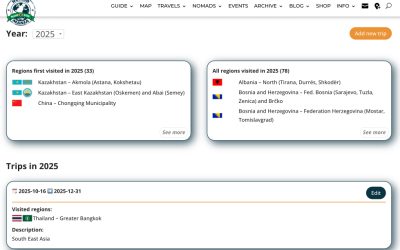
After the recent success of our Event Hosting feature, many members have asked for a way to share trip plans and find travel buddies. We’re excited to announce the first step toward making that happen — built in collaboration with our premium members.

See the full list of our community events here.

How to Set Up your Stared Trip
 |
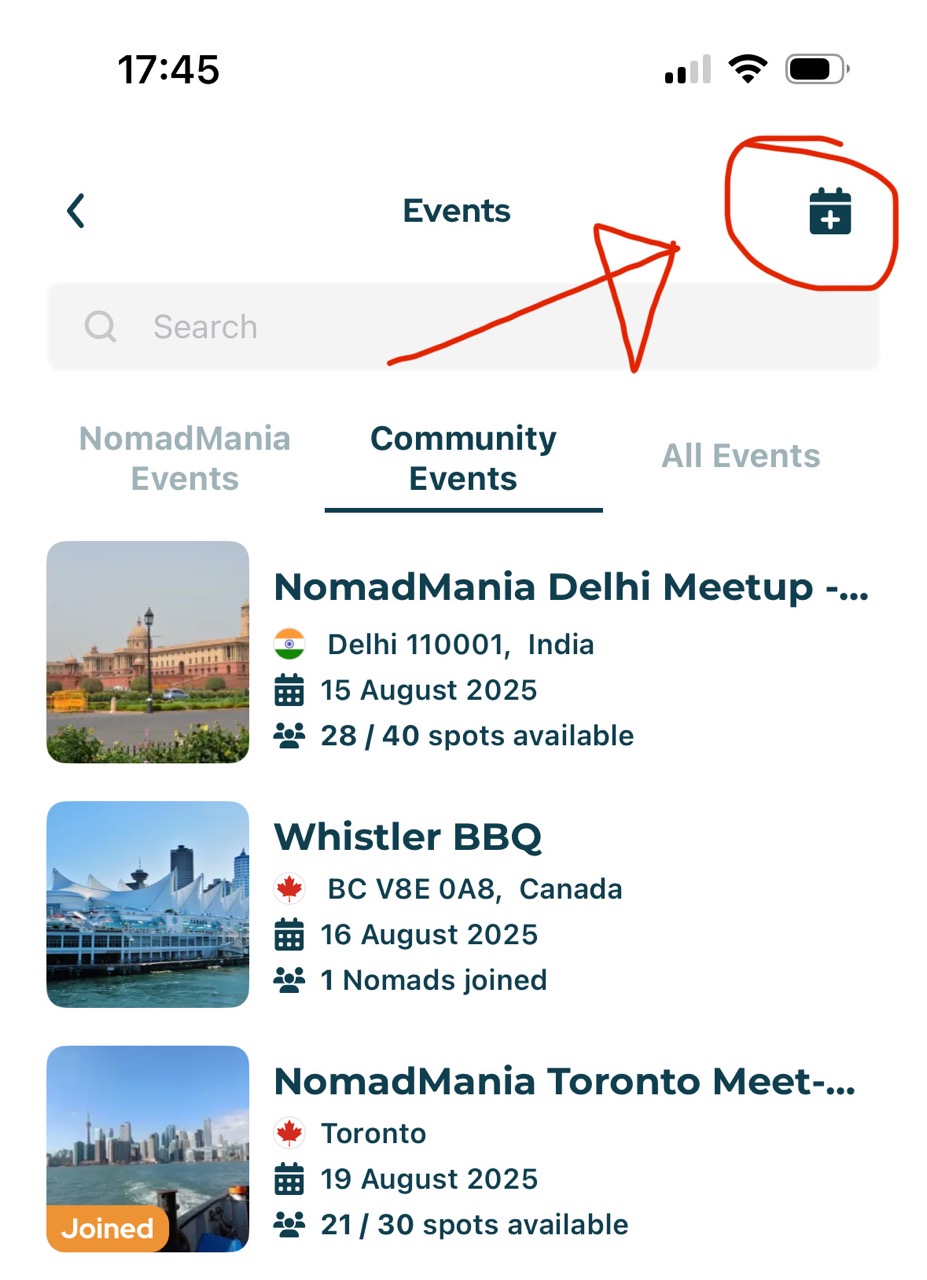 |
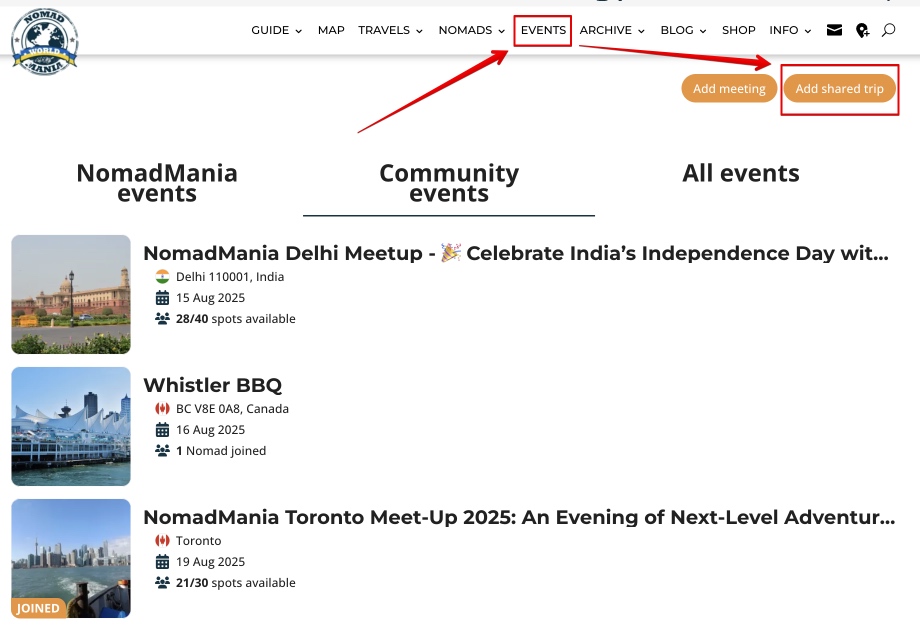
- Go to the Events page (web or app).
- Click “Add Event”
- Fill in a few quick details.
- Hit “Save”
Only Trusted members can create trips 🙂
Our admins will review and approve it, and your trip will appear in the Calendar 🙂
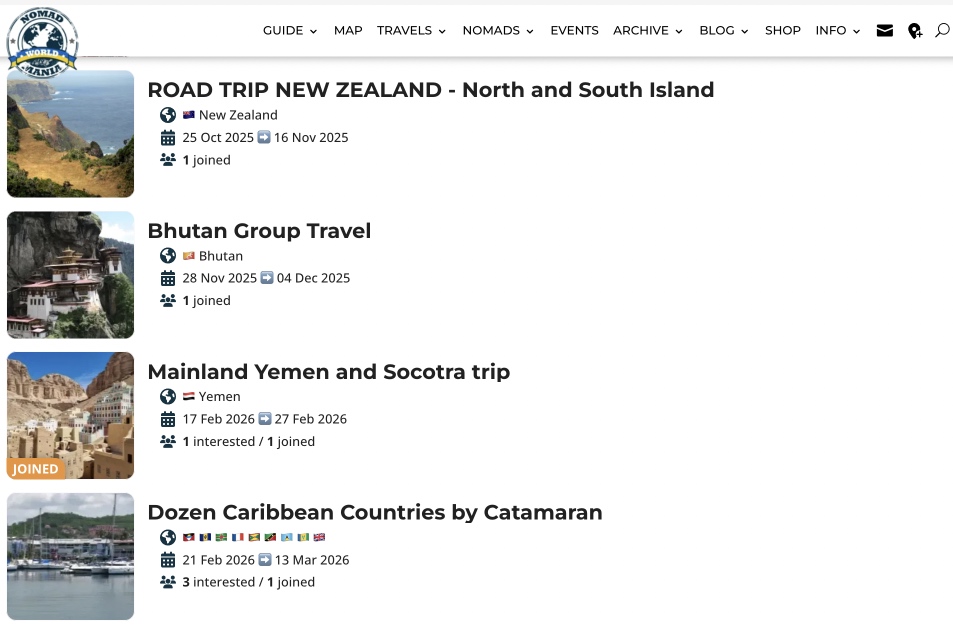
From there:
- Members can mark themselves as “Interested” and will automatically join the event chat.
- As the host, you have full control over your trip page.
- Once “Interested” members confirm participation, you can move them to the “Joined” list.
- For transparency and community trust, all interested and joined members are always visible on the trip page.
We can’t wait to see the adventures you’ll share! 🚀